A quick session is a session with no project and no setup. You ask a question, the agent answers and works in a folder of its own — without you creating a project or cloning a repository first. Use it when you just have questions, or want to try something before it belongs anywhere.
What it is
A quick session is an ordinary session: it is listed alongside your others, has a title, a model, tools and full history, and you can rename or delete it like any other. The only thing that makes it special is that its working folder is not a project and not a git checkout — it is a small folder the workspace owns for that one session.
It runs on the same agent and the same models as every other session, with the same rules, tools and credentials your workspace gives it.
Starting one
Quick sessions are started from the agent application:
- Open the Agents tab — the default Web view renders the application, where your sessions and projects are listed.
- Click Quick session, next to New session (it is also offered in the empty state).
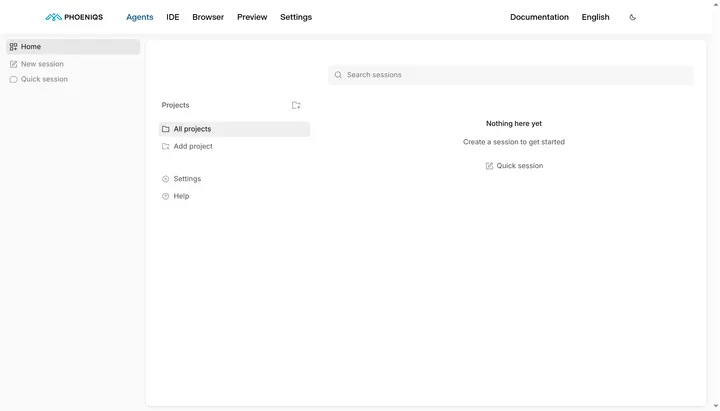
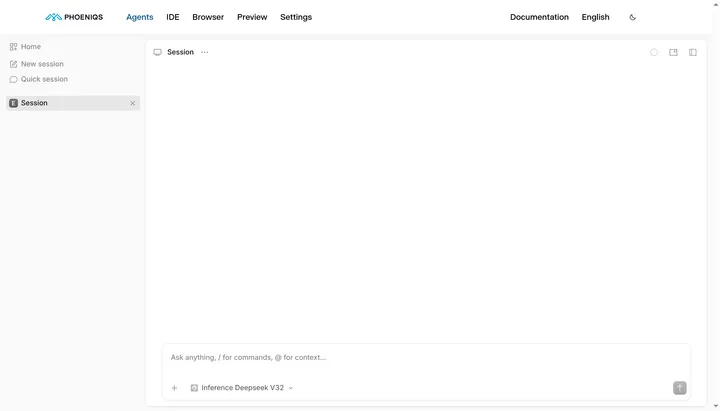
The workspace creates the folder and the session together, and the session opens straight away. You can also start quick sessions from the AI BUILD Link clients, which show the same application.
Where its files live
Each quick session gets one folder of its own, under a hidden, workspace-owned directory:
<session-id> is a short opaque id (for example
e20261117-8cf6c0). Anything the agent writes or runs in a quick session lands
there — and only there. Because the folder sits under /workspace, it is part
of the workspace's persistent volume and travels with an Export all, for as
long as the session exists.
The folders are not listed as projects in the application, so a quick question never clutters your project list.
Deleting the session removes the folder
The folder lives and dies with its session. When you delete a quick session, the workspace removes its folder as well — you do not have to clean anything up by yourself. The application's delete confirmation says that the session's files will be removed.
If there is something in a quick session you want to keep, move or copy it into a project before deleting the session — there is no automatic promotion of a quick session into a project or a repository.