
#
Projects
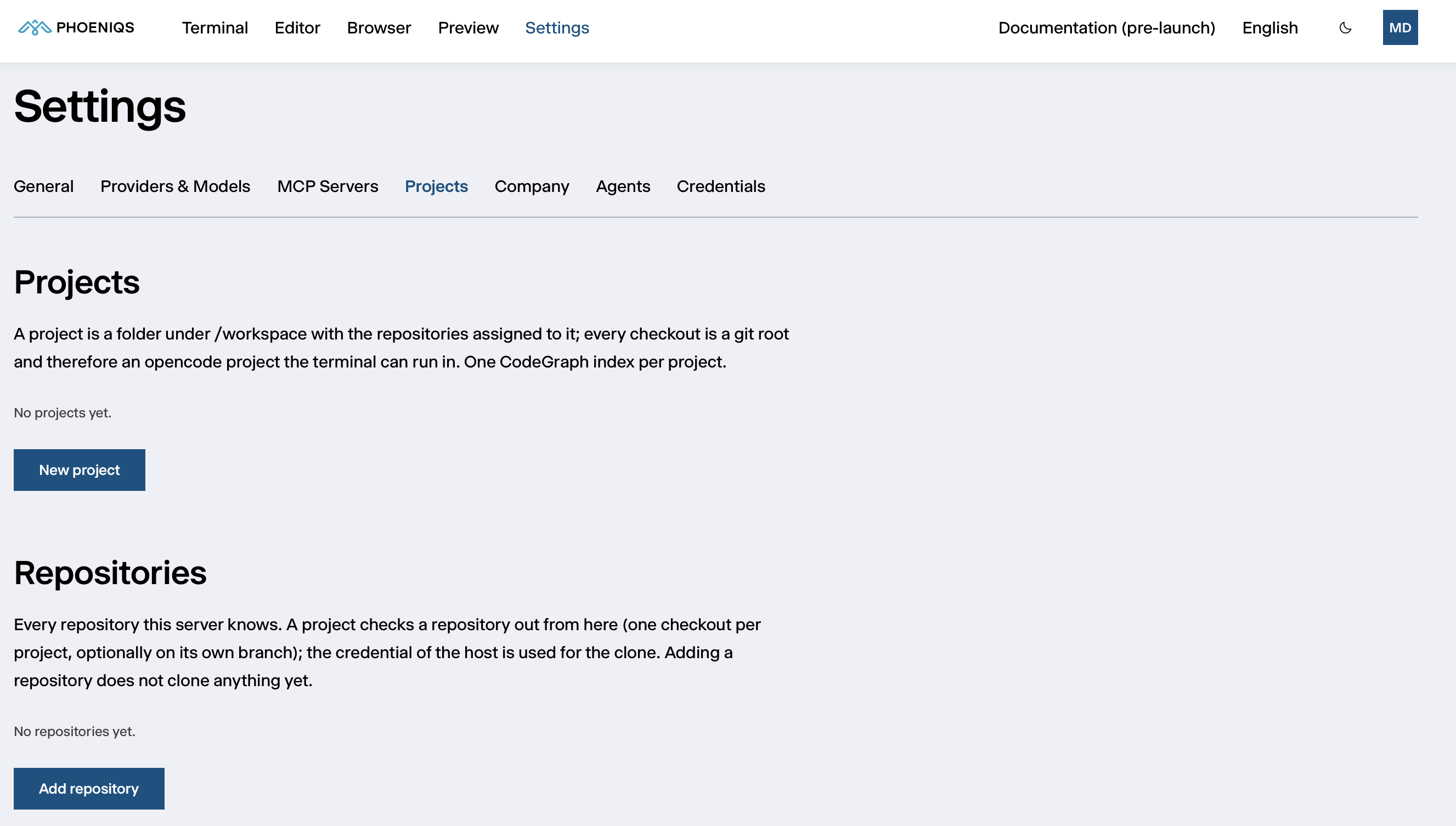
A project is a folder under /workspace holding one or more repository
checkouts. It is what the agent works in: you choose it in the Terminal's
Project directory. Settings → Projects has three parts: Projects,
Repositories and Jobs.
#
How projects and repositories fit together
- Repositories is the list of repositories your workspace knows. Adding one only registers it; nothing is cloned yet.
- A project is a folder,
/workspace/<project>, that checks out one or more repositories from that list, each optionally on a branch of its own.
The same repository can be used in several projects, each with its own independent checkout. Every checkout is a Git repository in its own right, so the agent can work in it directly.
#
Repositories
Click Add repository and enter:
The list shows which credential each repository is cloned with: your credential, the deployment credential, or no credential for this host. In the last case, private repositories fail to clone until you add a credential under Credentials.
Select repositories to Test or Delete several at once, or use Remove unused to clear the ones no project uses. A repository still used by a project cannot be removed.
#
SVN repositories
- Enter the full URL including the path, such as
https://svn.example.com/project/trunk.svn://,svn+ssh://,https://andfile://work; the short host and path form is Git-only. - The branch setting is ignored for SVN.
- Sign in with an SVN credential for the host under Credentials, or with
SVN_USERNAMEandSVN_PASSWORDunder Personal environment. - SVN checkouts are not indexed by CodeGraph.
#
Projects
Click New project and enter:
- Name: lowercase letters, digits, dots and dashes. The project becomes
/workspace/<name>. - Repositories: at least one from your list. Each is checked out on its default branch. If one is missing, add it under Repositories first.
- Build a CodeGraph index for this project, to give the agent code intelligence for it.
The clones run in the background as jobs. Each project then shows its checkouts, with their branch and state (Cloned, Not cloned, or uncommitted changes), and its CodeGraph state.
Checkouts are never pulled or reset for you, so work in progress is safe. Use
Sync, or git pull in a terminal, when you want upstream changes. To change
a checkout's branch, remove it and assign it again with the new branch.
Projects from your company's catalog are loaded on the Company sub-tab and then appear here.
#
Jobs
Clones, removals, syncs and CodeGraph builds run in the background as jobs. The Jobs list shows each one as Queued, Running, Done or Failed, with its Log. A failed clone usually means a missing or wrong credential for the repository's host.
#
CodeGraph code intelligence
CodeGraph builds a map of a project's code (its symbols, references and calls)
so the agent can answer structural questions without reading every file. The
agent uses it through its codegraph tool.
- Per project. Tick it when you create the project, or use Build CodeGraph later. The first index builds in the background and does not slow down your workspace.
- Kept up to date. An indexed project is refreshed after every
git pullor checkout in it, and every 30 minutes as a safety net. For an immediate refresh, use Rebuild CodeGraph or runcodegraph sync /workspace/<project>in a terminal. - Stored with the project, in
/workspace/<project>/.codegraph/.