
# Agents

Settings → Agents lists the agents you can work with in the Terminal, where shift + tab switches between them.
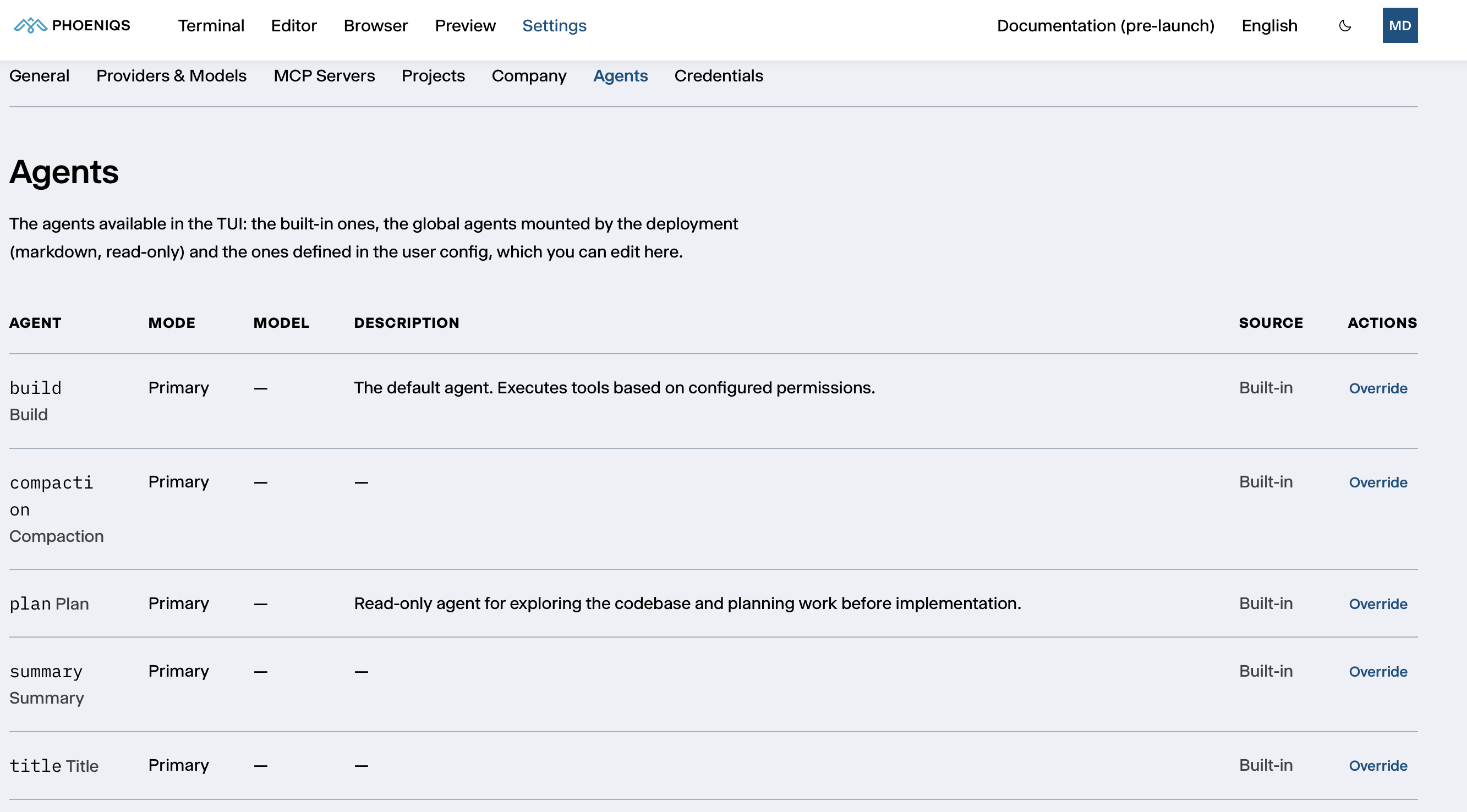
Settings → Agents
Settings → Agents

# Where agents come from

Source What it means
Built-in Agents every workspace has
Deployment Agents from the platform or your company settings, read-only here
User Agents you created or overrode, stored in your own settings

If your company settings name a default agent, new sessions start with it instead of build. The PHOENIQS template, for example, makes example-assistant the default.

# Modes

Mode What it means
Primary An agent you work with directly in the Terminal
Sub-agent An agent that a primary agent hands a task to
Primary and sub-agent Both

# Built-in agents

Agent What it does
build The default. Changes files and runs commands, within the permissions it is configured with.
plan Read-only. Explores the code and plans the work before anything is changed.
compaction, summary, title Helpers the agent uses behind the scenes, to condense long conversations and to write summaries and titles. You do not work with them directly.

# Creating and changing agents

  • New agent creates one of your own.
  • Override on a built-in or deployment agent creates your own copy of it, which then takes its place for you. Remove your copy to go back to the original.

When you create or edit an agent, you set:

Field What it is
Name How you select it
Description When to use this agent. Primary agents read it to decide when to hand a task to a sub-agent.
Mode Primary, sub-agent, or both
Model The model it uses, if not the default
System prompt Its instructions
Temperature and Top-p How varied its answers are
Tools Which tools it may use, one tool: true or tool: false per line
Colour Its colour in the Terminal
Hidden Leaves it out of the Terminal's agent list

Your agents are stored in your own settings and kept across restarts.


Terminal
../../terminal/
Company
../company/