#
Getting Started
#
Getting Access
- You have to buy a subscription in order to access to Phoeniqs OpenShift AI environment. Please follow the instructions documented at Buy a Subscription
#
Accessing your OpenShift AI environment
Log in to the Phoeniqs Openshift AI
- Phoeniqs OpenShift AI ask you to log on by clicking Log in with OpenShift.

Use your Phoeniqs login credentials to further authenticate.

Successful log on will allow you to land on the OpenShift AI page.
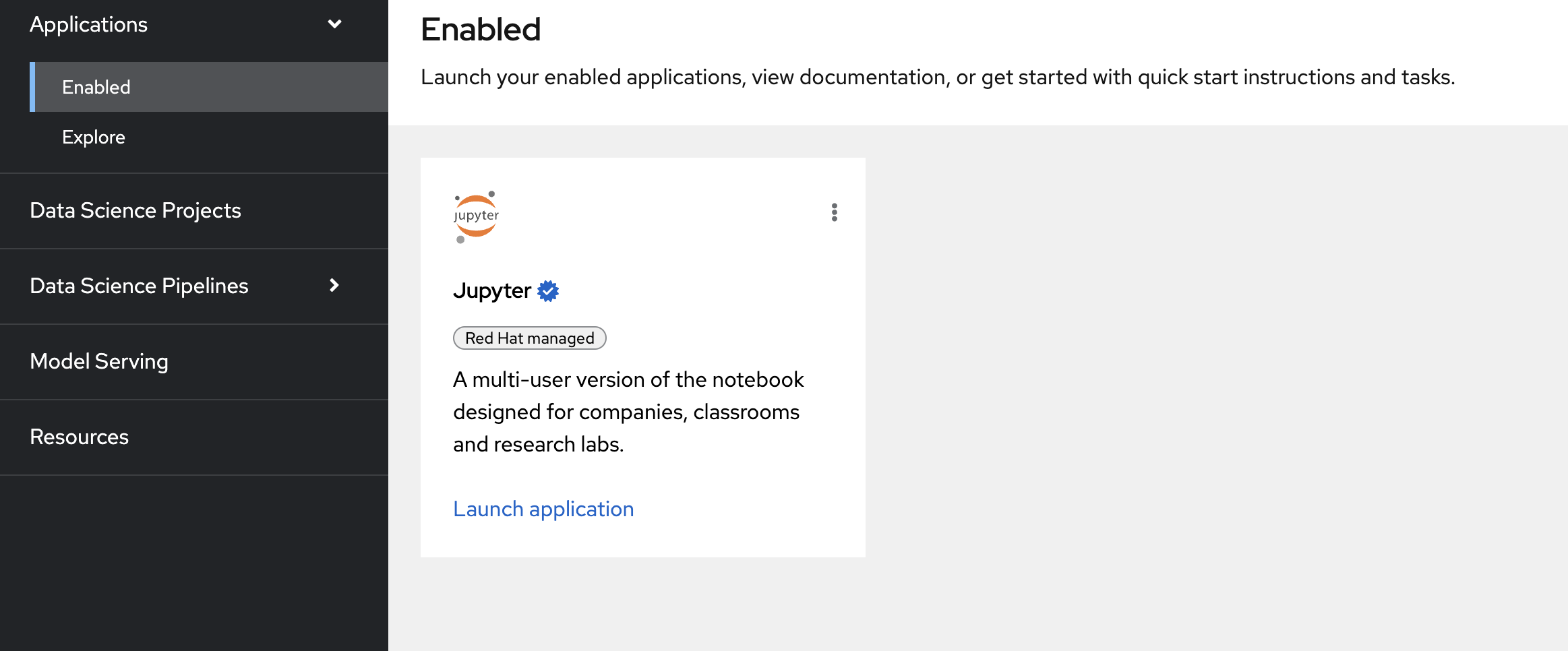
You can launch a notebook by clicking the application Jupiter from the enabled applications.
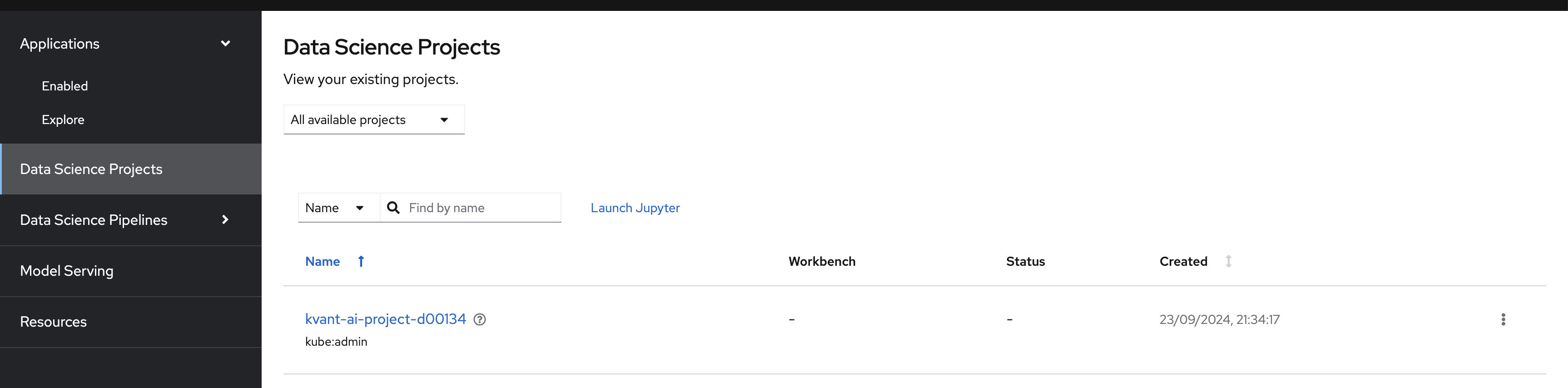
Click Data Science Projects from left-hand side menu to see data science projects you have access
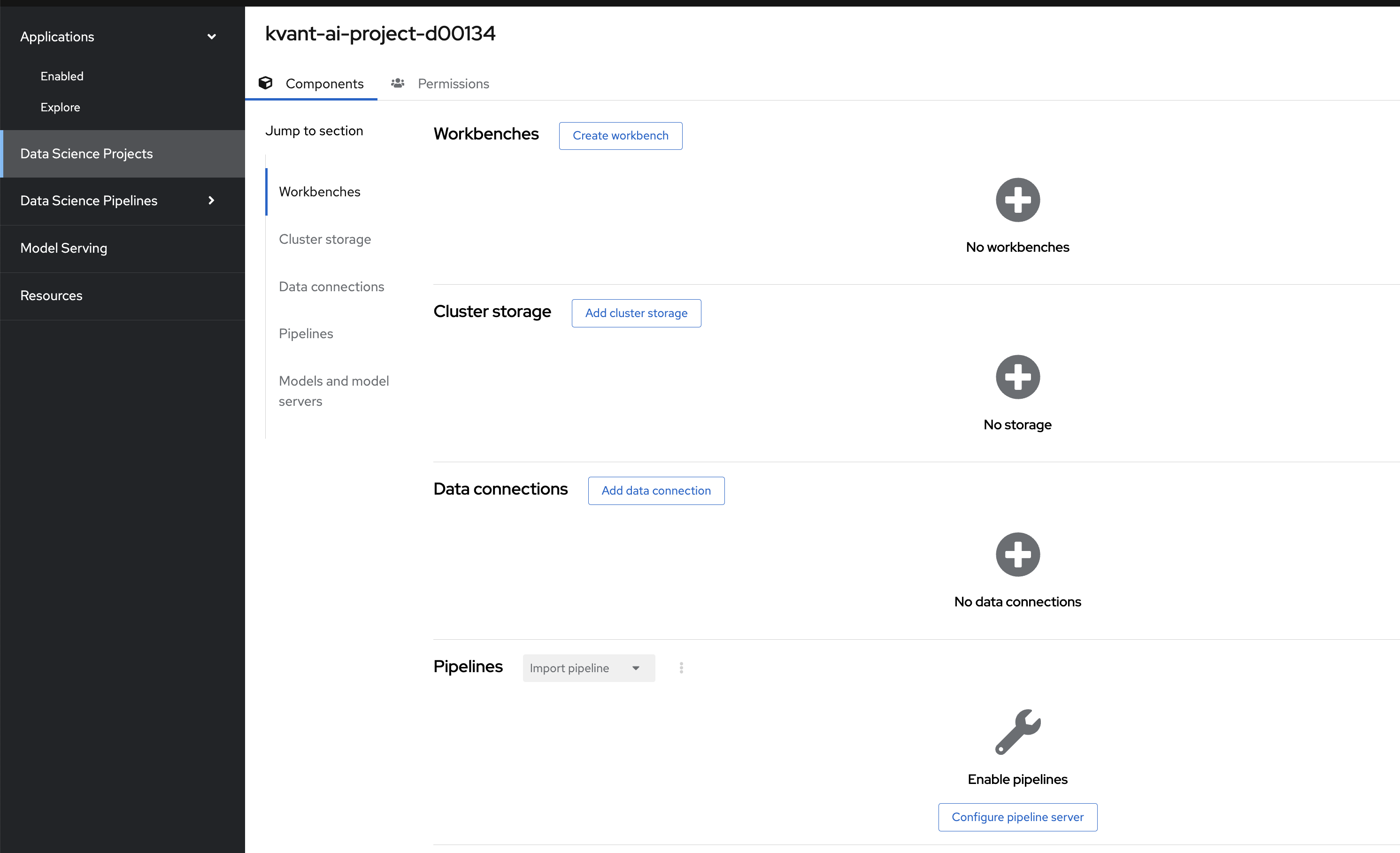
Click on the data science project assigned to you to further create workbenches, cluster storage, data connections and pipelines etc.
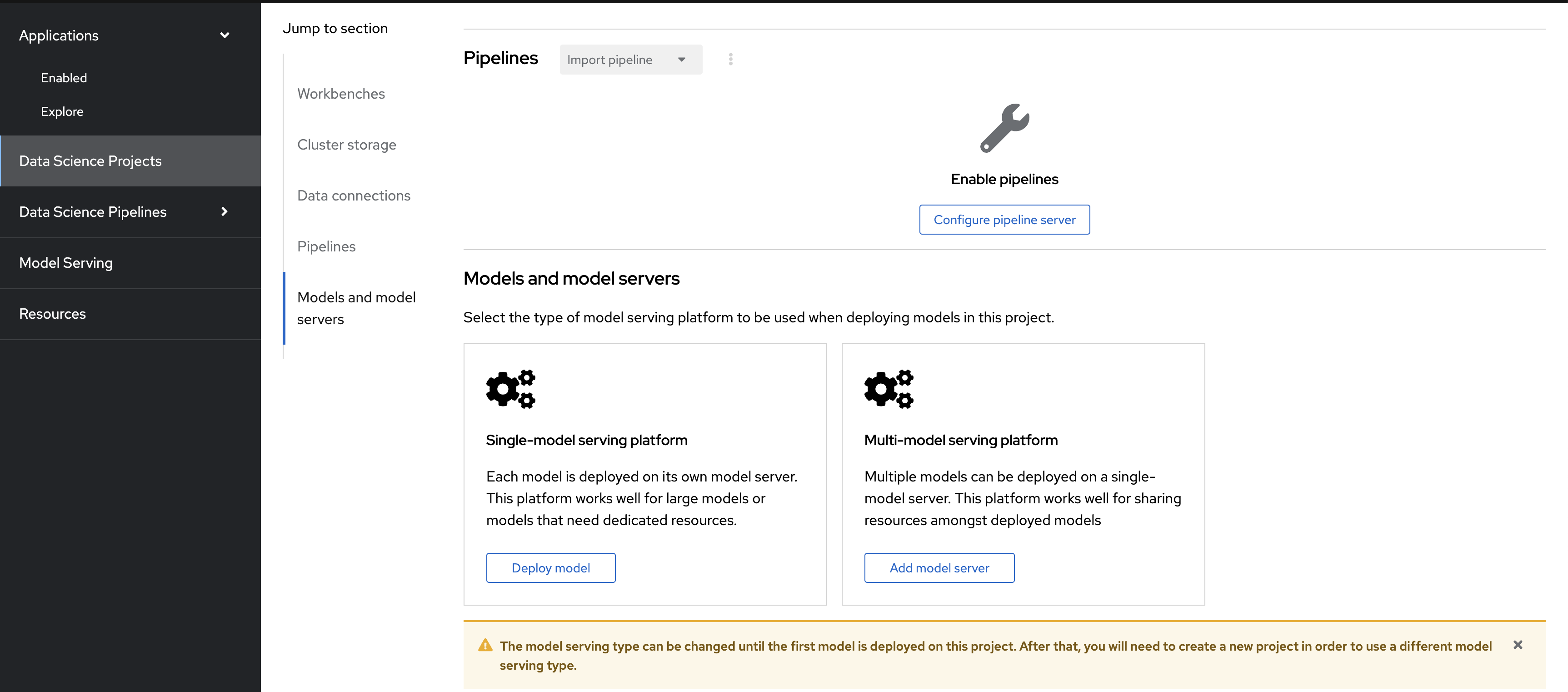
Once you create and train your AI model using workbences, You can deploy your AI model in the OpenShift AI by choosing model serving platforms. To do so, click:
Data Science Projects -> Your datascience project -> Single-model serving platform OR Multi-model serving platform from the section Models and model servers
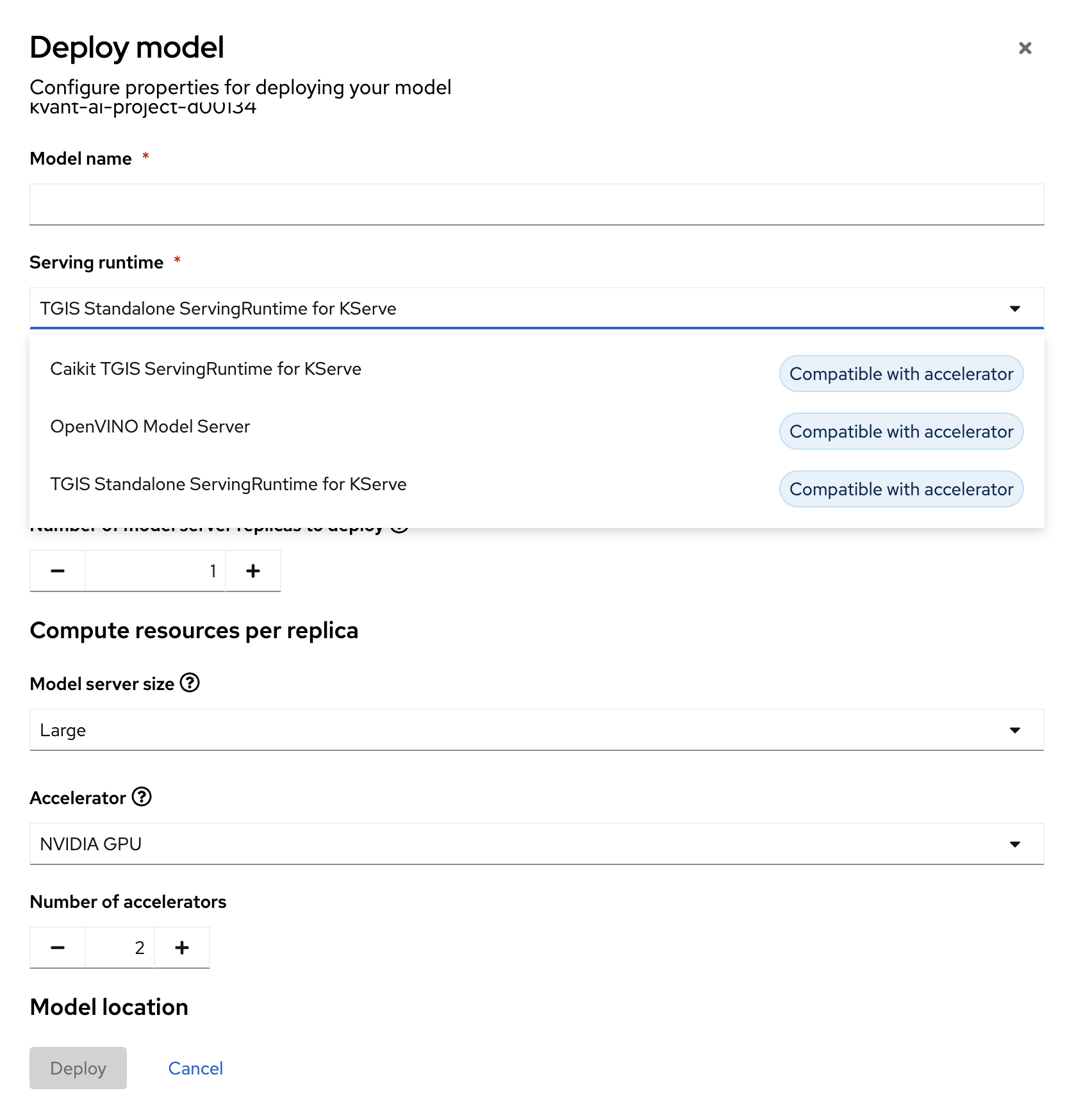
Deploy developed AI model with different runtime choices and GPU accelerators etc. by clicking Data Science Projects -> Your datascience project -> Single-model serving platform -> Deploy Model
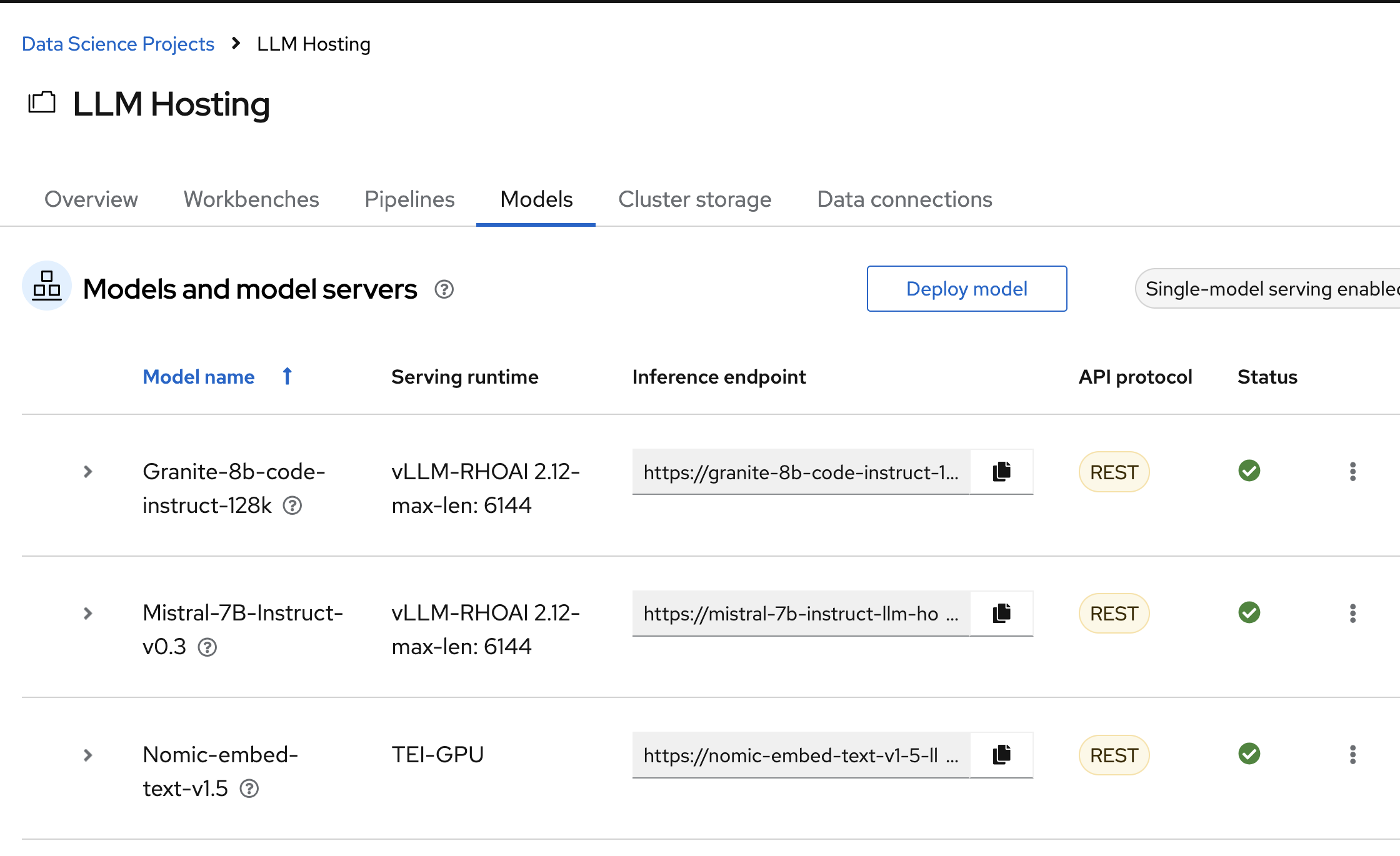
Once AI model deployed, one can inference the model by making REST API calls to the model inference endpoint
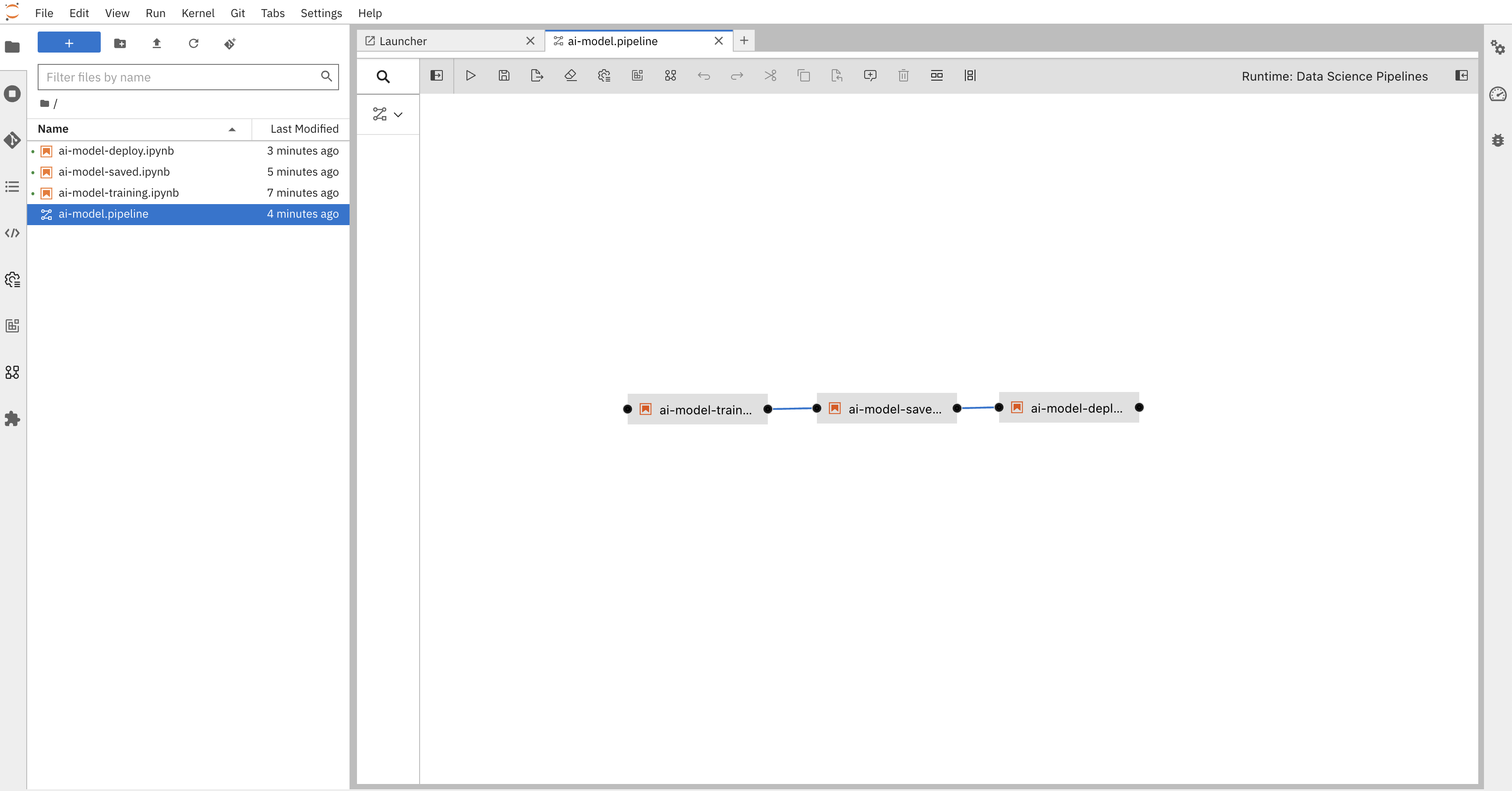
OpenShift pipelines allows you to create advanced continuous integration and continuous deployment(CI/CD) workflows that can help in automating and speeding up of the application development and delivery.
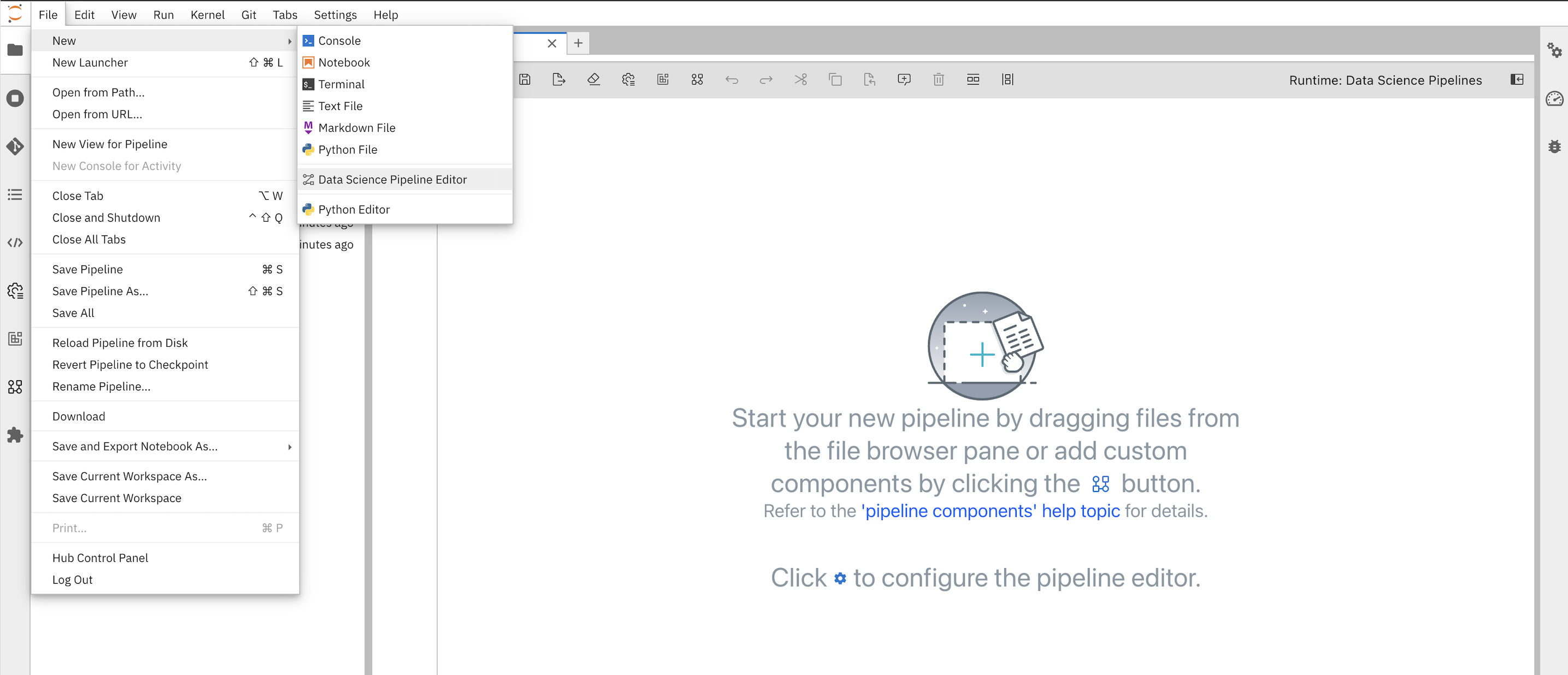
Hint: You can create a pipeline that will allow you to train a model, save a model and deploy a model.