
#
How to access
#
Getting Access
In order to access AI sandbox, one must have an account in the Phoeniqs portal. Please follow the instructions to Create an Account in order to create an account
Log in to the AI sandbox dashboard
Select Phoeniqs in Log in with
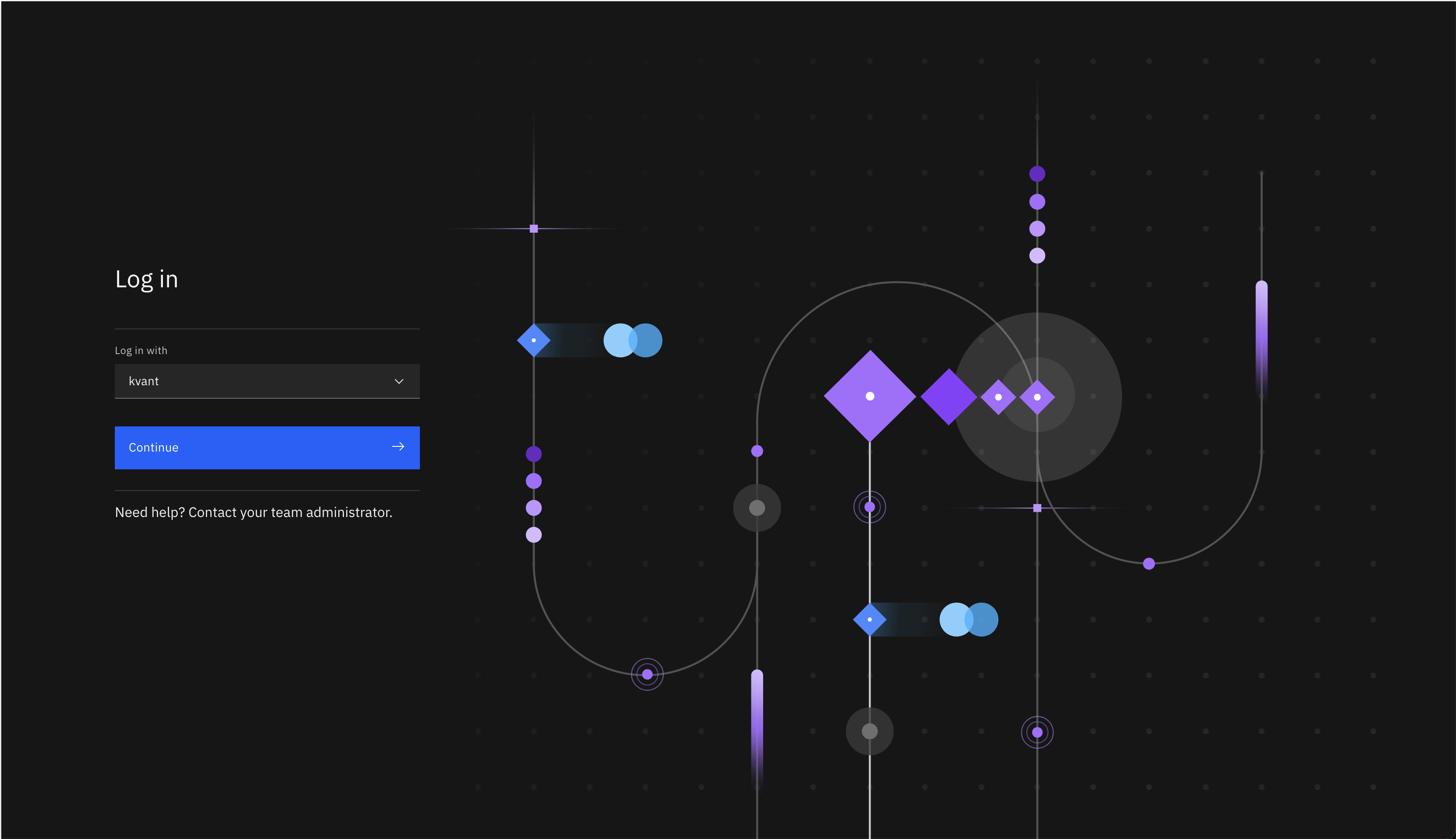
Use your Phoeniqs user ID - same as with the Phoeniqs portal
#
First steps
You might want to test the chat prompt as first step. This provides a similar experience to other AI enabled chat bots so it requires no coding.
For further details and information please consulte the official IBM Cloud Pak for Sata DOcumentation: https://www.ibm.com/docs/en/cloud-paks/cp-data/5.0.x