
#
API key and Tokens
#
Getting your username
Log in to the AI sandbox dashboard
- Select Phoeniqs in Log in with
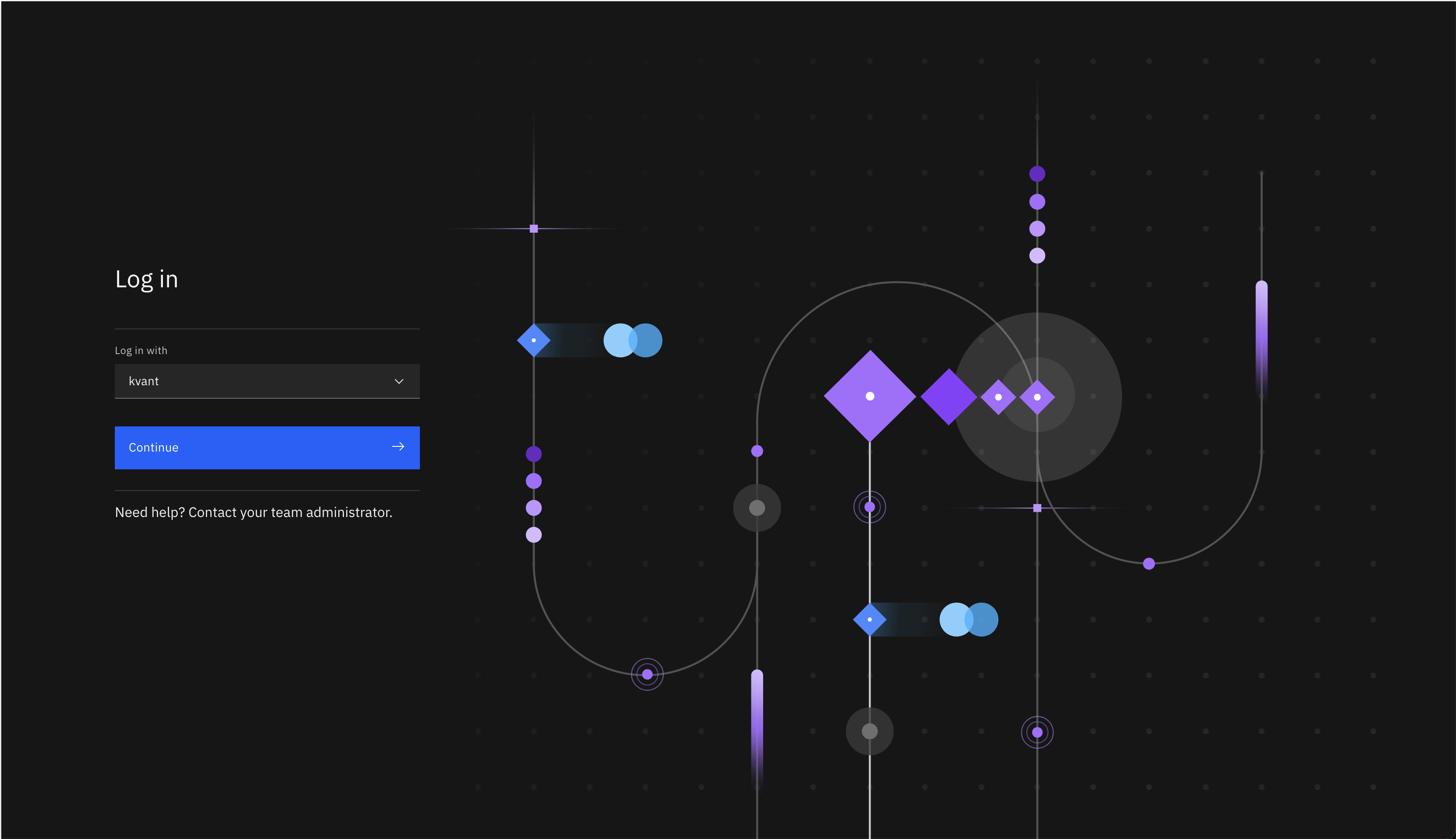
- Use your Phoeniqs user ID - same as with the Phoeniqs portal
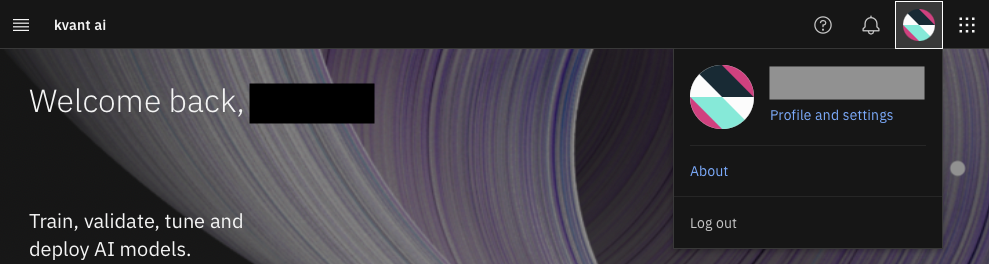
Go to your user (on the top right) and click on "Profile and settings"
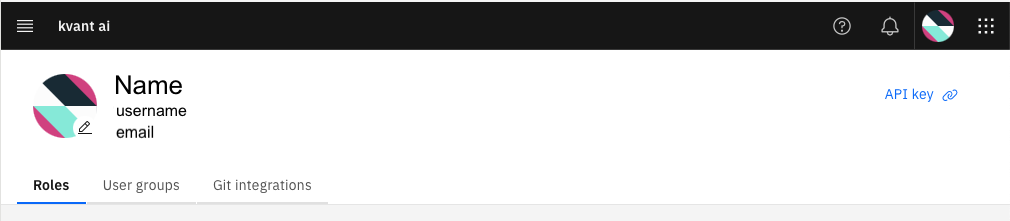
On the top left, you can see, top to bottom:
- Your name
- Your username
- Your email
#
Getting your API key
On the same screen, on the top right, click on "API key" and "Generate new key"
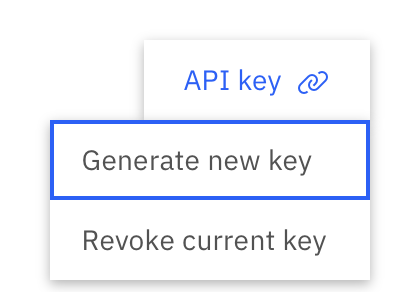
then click on "Generate"
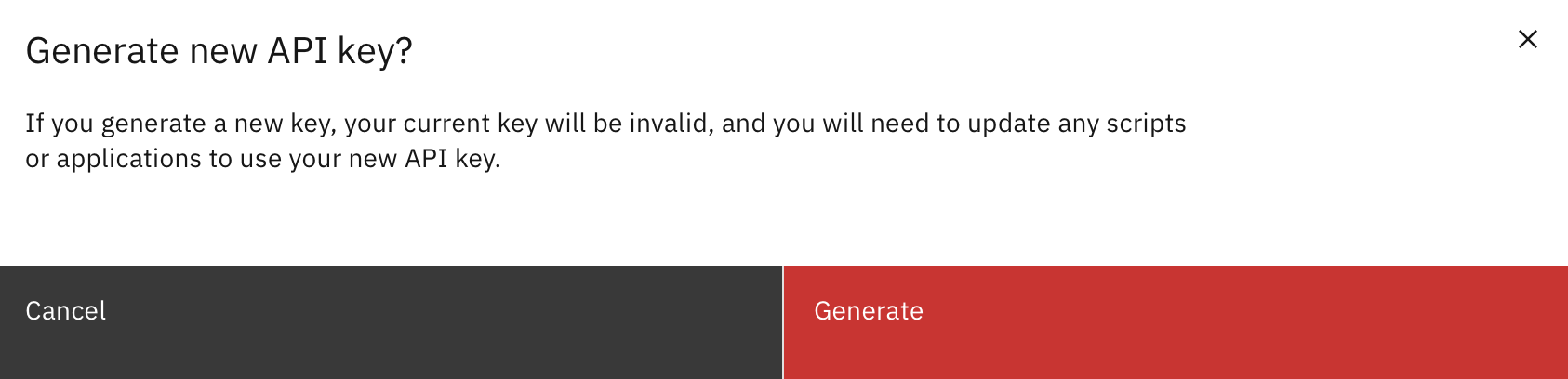
Warning: this will invalidate any previous key.
You can then store your key somewhere safe.
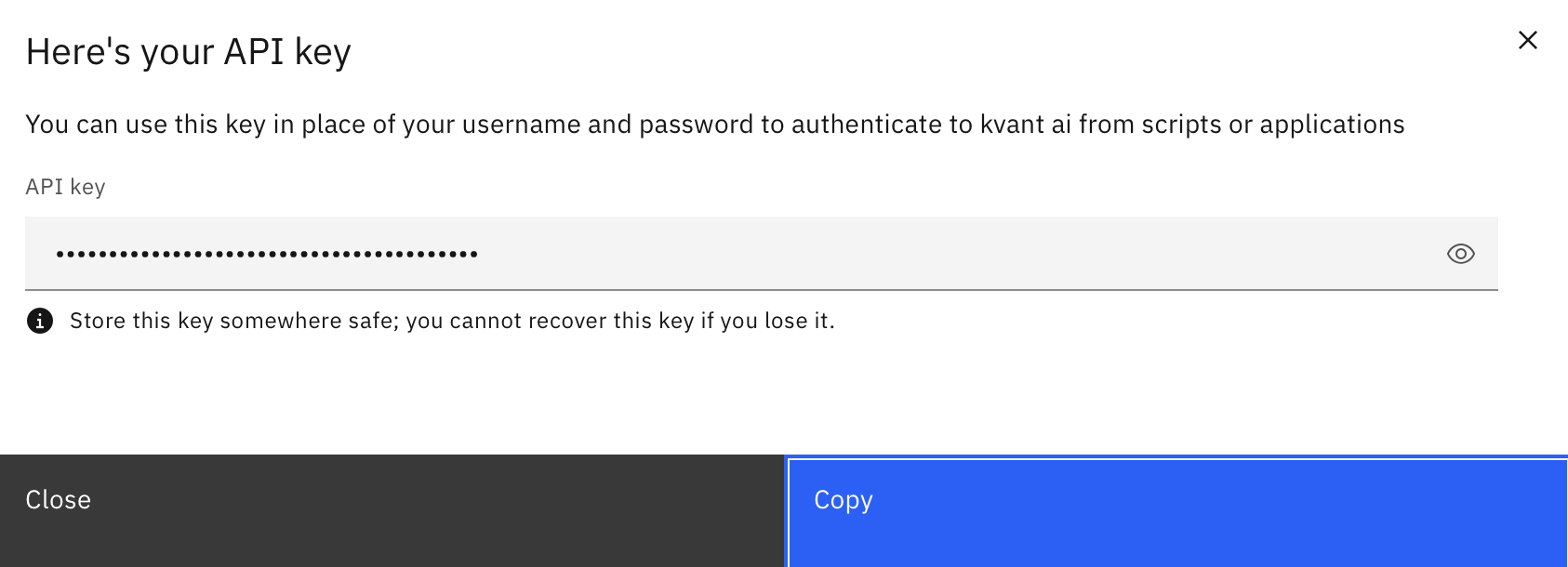
Warning: you cannot recover the key if you lose it
#
Getting a token
Replace <username>, and <api_key> with the values determined above.
curl -X POST \
  'https://cpd-cpd-instance.apps.ai.kvant.cloud/icp4d-api/v1/authorize'\
  -H 'Content-Type: application/json' \
  -d' {
    "username":<username>,
    "api_key":<api_key>
}'
This command returns a response that contains the bearer token:
{
    "_messageCode_": "200",
    "message": "Success",
    "token": "<bearer-token>"
}