
#
Agent Form
The Agent Form is used to create and edit AI Concierge agents in the Phoeniqs portal. It collects the agent's core configuration, including its name, behavior, purpose, and tools.
This form appears in both Create and Edit modes, with conditional logic for read-only states and dynamic tool selection.
#
Form Fields
#
Form Behavior
#
Create Mode
- All fields are editable.
- Default values are empty.
- Submit button reads "Create Agent".
#
Edit Mode
- Fields are pre-filled with the existing agent data.
- Submit button reads "Update Agent".
- Header displays "Edit Agent".
#
Predefined Agents
- All form inputs are read-only.
- Intended for viewing, not editing.
#
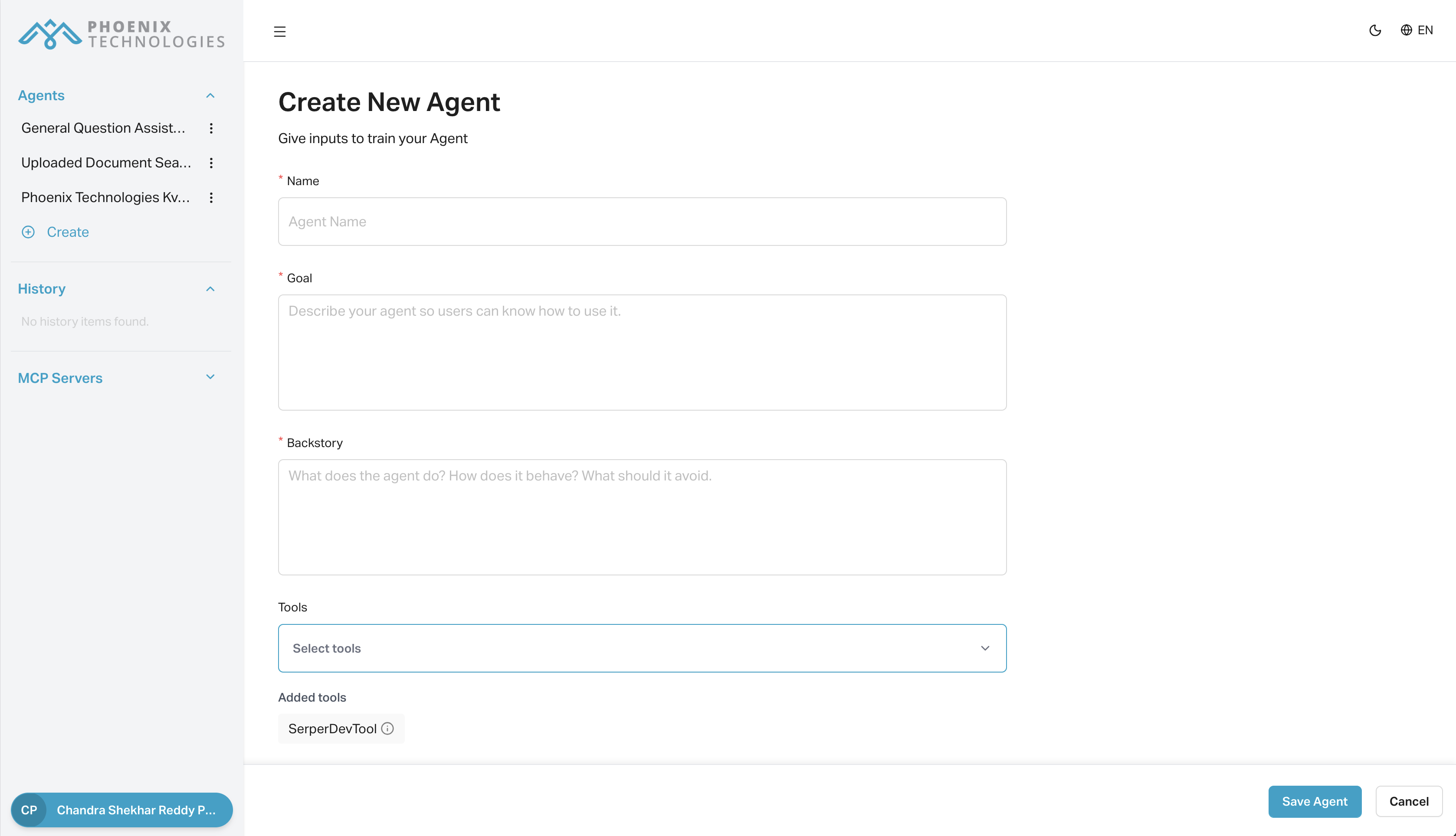
Example UI
Below is a screenshot of the agent form used to edit an existing agent:
#
Related Docs
- Agents – How to create, edit, and delete agents
For questions or issues using the form, contact Phoeniqs Support.