#
Advanced Text Editing
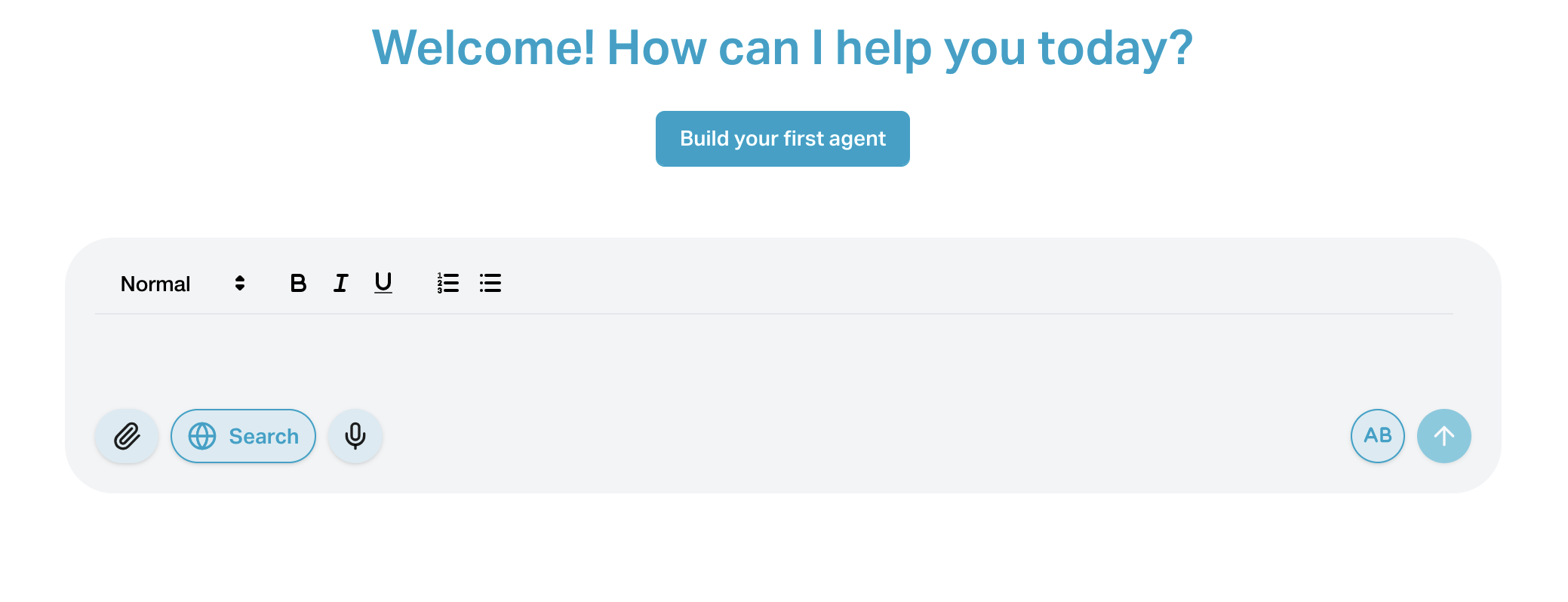
The Advanced Text Editing feature improves the chatbot input area by allowing users to write clearer, more structured prompts using basic formatting tools such as line breaks, lists, and code blocks. This is especially helpful for longer messages or instructions.
This feature is available only in the chatbot input field—not in the agent creation or editing form.
#
Features
Multi-line Input Write across multiple lines to improve readability.
Basic Formatting Use bold or italic text to highlight key words (if supported by your editor).
Bullet or Numbered Lists Present multiple steps or questions in a more organized way.
Code Blocks Send code or technical instructions in a readable format.
#
How to Use
- In the chatbot input, click the editor toggle to switch between plain text and rich text mode.
- Use the formatting toolbar or keyboard shortcuts (like Shift+Enter for a new line) to format your input.