
#
Chat History
The Chat History feature allows users to view and revisit past conversations with any agent. This is useful for reviewing previous interactions, checking agent replies, or continuing an earlier discussion.
Each conversation is automatically saved and accessible through the Phoeniqs portal.
#
Features
View Full Chat Transcripts Access complete previous conversations through the history panel.
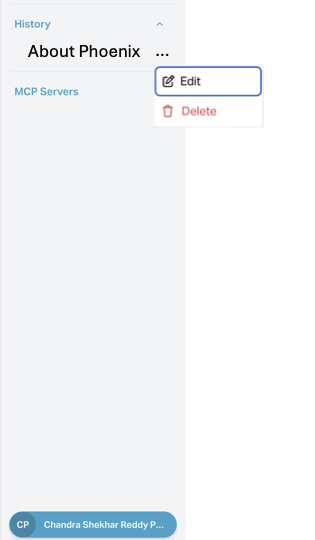
Rename Conversations Click the three dots next to a conversation to rename it for easier reference.
Delete Conversations Remove any chat from your history permanently by using the three-dot menu.
#
How to Access Chat History
Log in to Phoeniqs portal and access your Concierge subscription.
Navigate to the Chat History section from the sidebar.
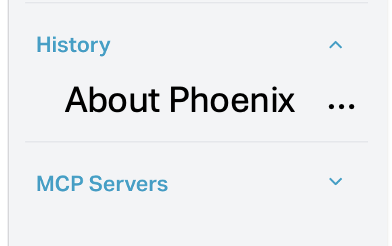
Click on a conversation entry to open the full transcript and review the messages.
Click the three dots
⋮next to a conversation to rename it.Use the same menu to delete a conversation permanently.
#
Use Cases
Conversation Continuity Pick up where you left off without losing earlier context.
Review Past Agent Responses Double-check how a question was answered previously.
Organize Sessions Rename important conversations for easy access.
Note: Chat history is stored locally in your browser and complies with privacy-first data handling. Deleted conversations cannot be recovered.